What is iBoysoft Utilities?
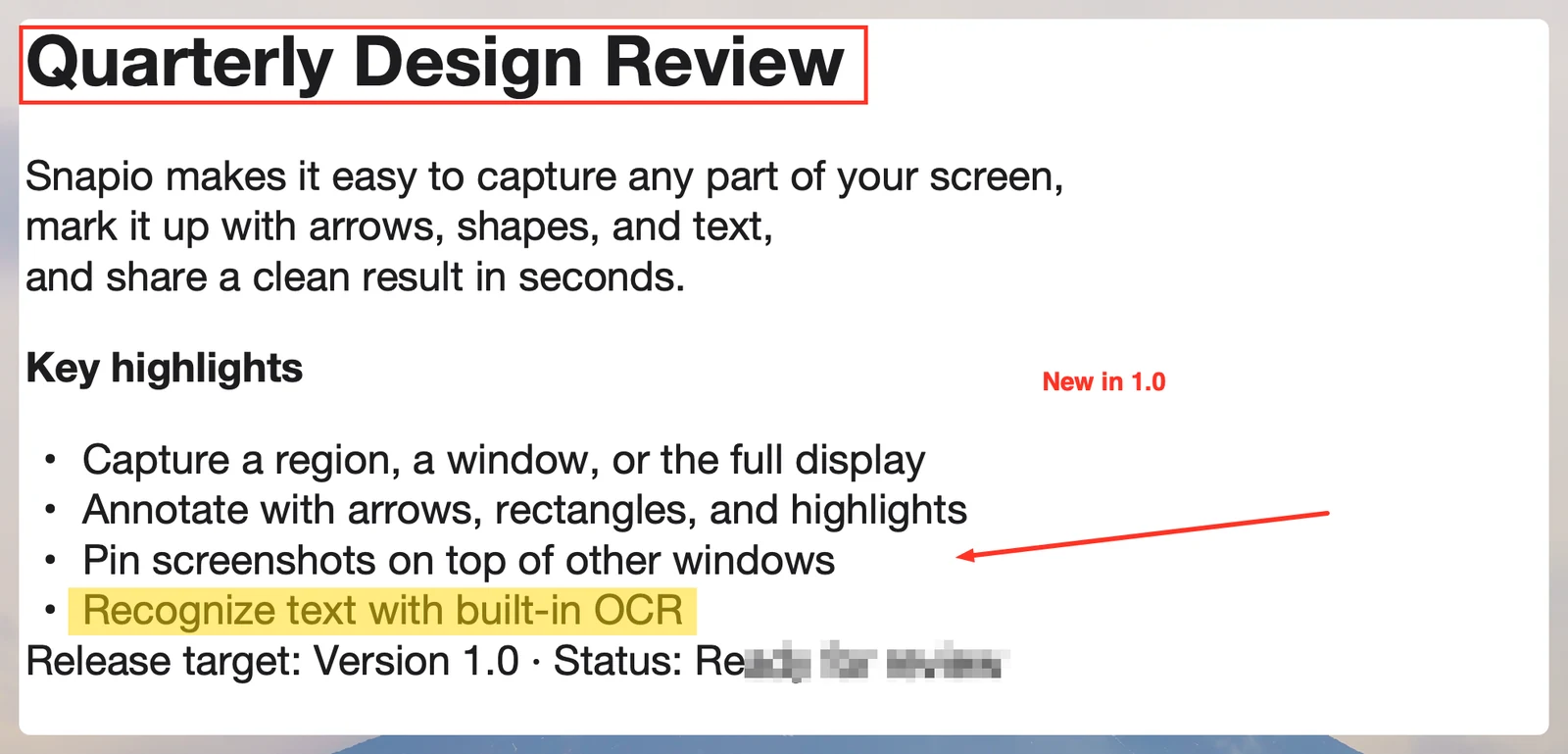
iBoysoft Utilities is a collection of practical Mac apps from iBoysoft, designed to make everyday tasks easier and more convenient. The current collection includes Snapio for screenshots and annotation, StatsMate for system monitoring, and Winstripe, an open-source Windows-style taskbar and Start menu. Each product page explains its features, limits, and system requirements.
Which macOS versions do these Mac utilities support?
Snapio 1.0 requires macOS 11.0 or later. StatsMate 1.1 requires macOS 11.0 or later, and its Open at Login setting needs macOS 13 or later. Winstripe's public project is intended for macOS 11 and newer; its live window thumbnails need macOS 14 or later and Screen Recording permission.
Are iBoysoft Utilities free?
Winstripe is open source under the MIT License, and its code is public on GitHub. For Snapio current pricing, see its App Store listing. StatsMate does not list a price, trial, or store listing on its page yet.
Can I download Snapio, StatsMate, or Winstripe now?
Snapio can be downloaded from the App Store under the listing name SnipScreen. The official Winstripe Mac download is available on the Winstripe product page. StatsMate does not have a public download link yet.
Which of these apps live in the Mac menu bar?
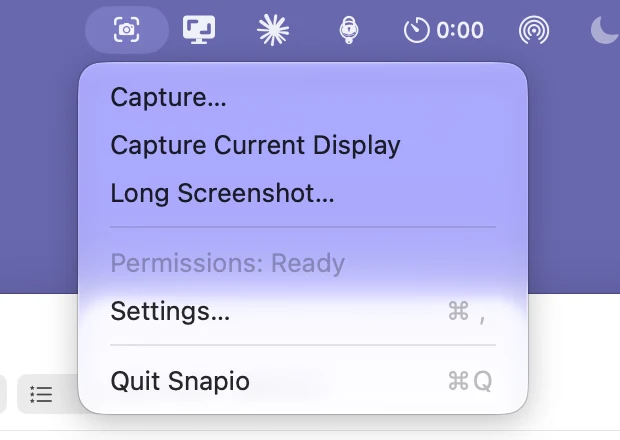
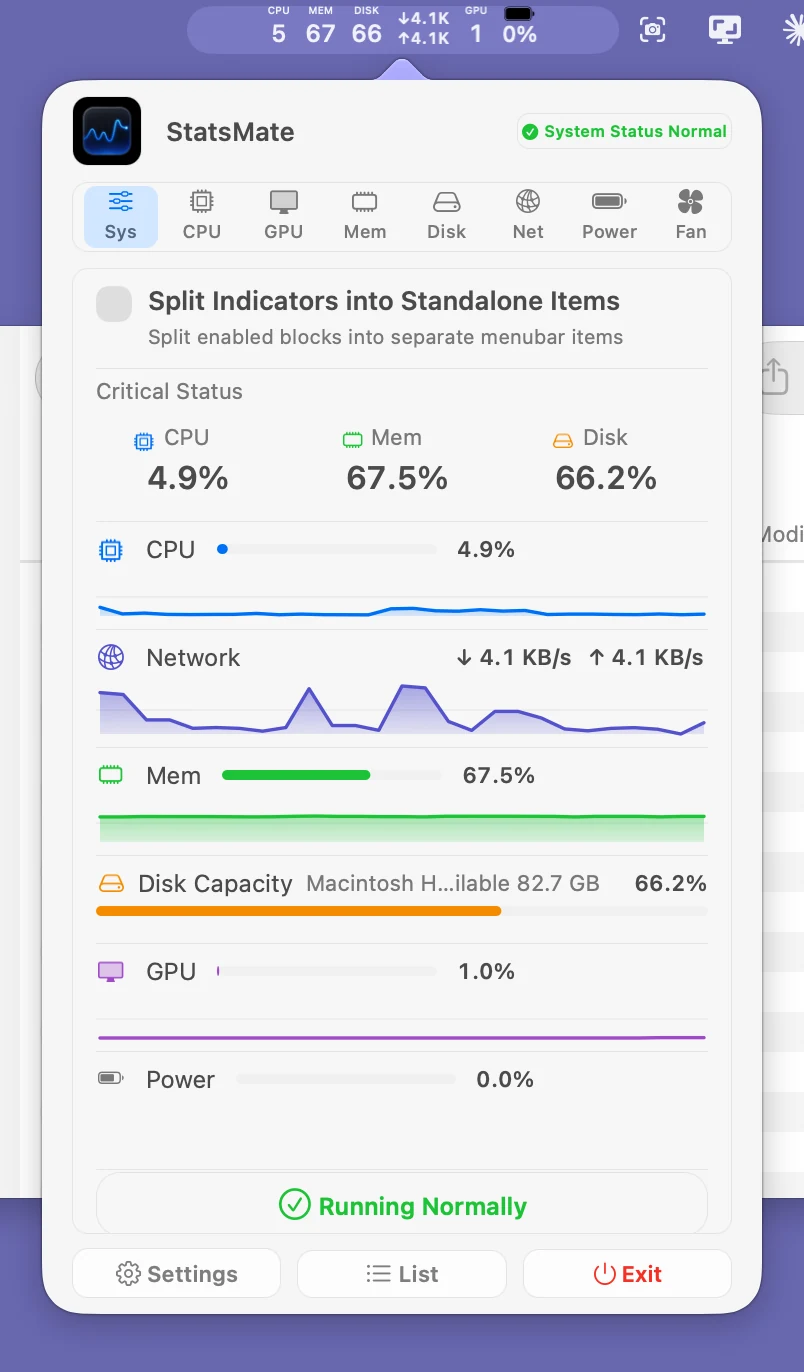
Snapio and StatsMate are menu bar apps. Snapio stays in the menu bar with no standing main window, and StatsMate stays in the menu bar with no Dock icon. Winstripe is different: it adds a taskbar on a screen edge and has no Dock icon or menu bar extra of its own.
Does Winstripe run Windows programs?
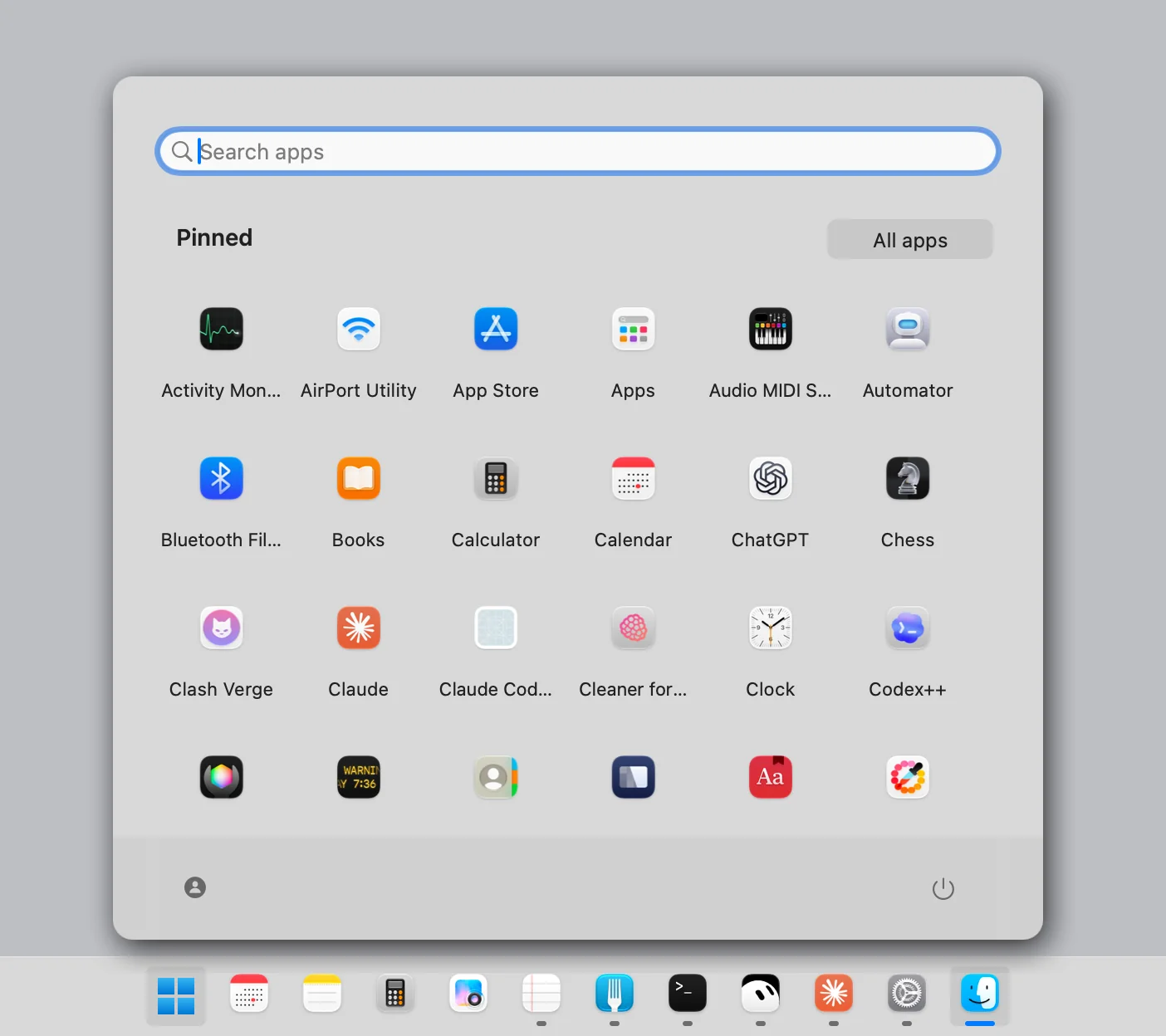
No. Winstripe gives your Mac a Windows-style taskbar and Start menu for launching and switching Mac apps. It does not install Windows, it is not a virtual machine, and it does not run Windows programs.
What permissions do the utilities ask for?
Snapio needs Screen Capture permission to take screenshots, and Accessibility permission for vertical long screenshots. StatsMate uses Location permission only to read the current Wi-Fi name and signal strength, and asks for notification permission only if you turn alert notifications on. Winstripe's Accessibility and Screen Recording permissions are optional; basic app launching works without them.